What is terminal automation and why does it matter?
Terminal automation is software that operates a terminal-based application, including a command-line interface or green-screen system, on behalf of a person, script, or AI agent. In plain English, it lets software do the same controlled terminal work a trained operator would do: send commands and read responses, move through screens, enter fields, and complete approved tasks.
That matters because many enterprise systems were built for trained operators, fixed commands and menu paths under strict procedures, not for open-ended AI agents. The practical issue is rarely whether an agent can reason about a task. The harder question is whether it can carry out that task inside the systems where records and approvals live alongside inventory, claims, bookings, orders, and account changes.
Enterprise automation also has a trust problem. Public disputes over automation show why leaders cannot treat it as a purely technical decision: in port labor negotiations, automation remained a central point of contention in 2024 between the United States Maritime Alliance and the International Longshoremen's Association. In another report, ILA leader Harold Daggett argued against automation during a 2024 strike, saying, "Machines don't feed families". Those examples come from physical operations, but the enterprise lesson carries over cleanly: automation needs controls, role clarity, auditability, and a clear boundary between machine execution and human accountability.
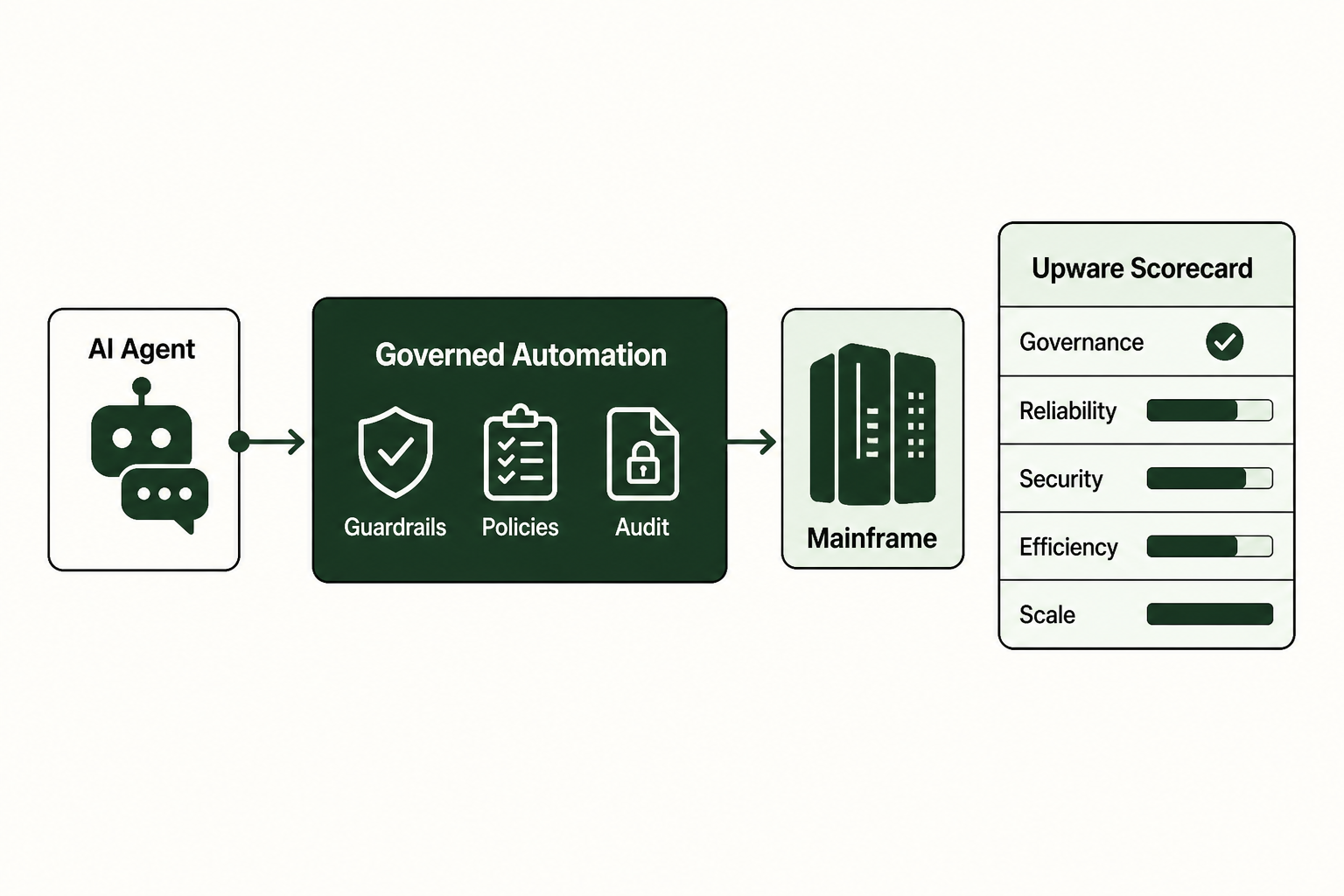
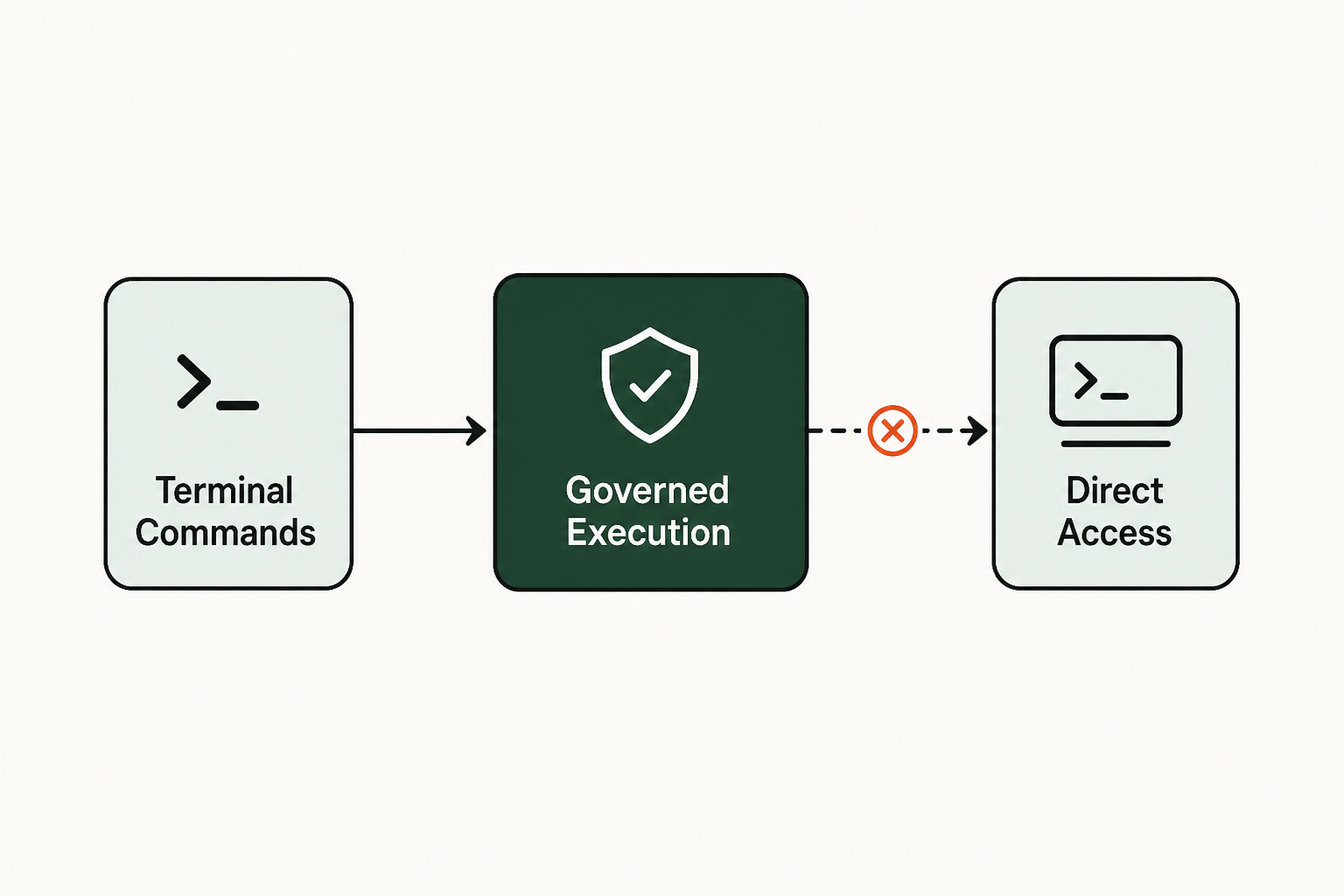
For AI agents, terminal access is useful because it reaches systems that do not expose a clean API or modern integration path. It is also risky because terminals were designed to obey precise commands, not interpret intent. The enterprise answer is governed execution, where the agent supplies intent, but a controlled execution path decides what can be done, how it is done, and what is recorded.
Foundations: how terminal automation bridges AI and legacy systems
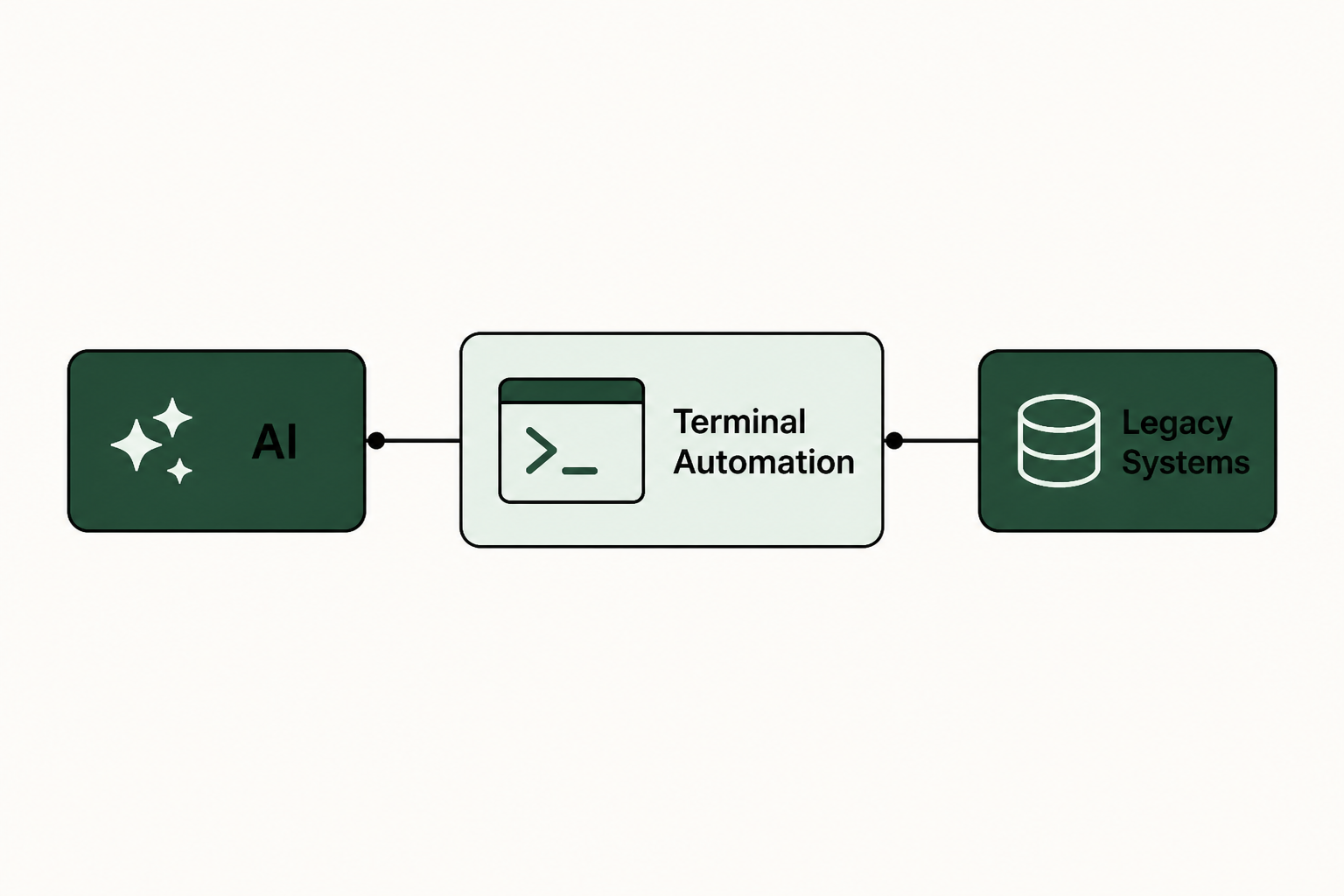
Once the definition is clear, the mechanics explain why terminal automation is both useful and sensitive. A terminal is a controlled entry point into a system. A person types commands, navigates menus, reads responses, and decides the next action. Terminal automation replaces that manual keystroke pattern with software that can send commands and read terminal output while following approved steps.
That sounds straightforward until an AI agent enters the workflow. An agent can infer what a user wants and gather context before deciding that an order needs to be updated or a customer record needs correction. But the terminal does not care about intent. It accepts commands, screens, fields, and confirmations. The gap between those two worlds is where the execution layer matters.
 Foundations: how terminal automation bridges AI and legacy systems
The role of terminal emulators and CLIs
Terminal emulators and command-line interfaces are the visible surface of many legacy systems. They are often strict and stable because they are deeply embedded in operating processes. An operator may know that changing a field requires three screens, a function key, a validation message, and a final confirmation. The system may have no API for that sequence, but the terminal path still works because the business has relied on it for years.
For an AI use case, that creates a narrow but useful opening. Instead of rebuilding the underlying application or waiting for a new integration, software can interact through the same terminal path a trained user follows. The important distinction is control. A free-form agent typing into a production system is not an enterprise operating model.
From agent intent to system action
A safe pattern separates reasoning from execution. The agent is the brain: it understands the request and gathers context, then chooses a business objective. The controlled terminal path is the hands: it performs approved actions inside enterprise systems according to known constraints.
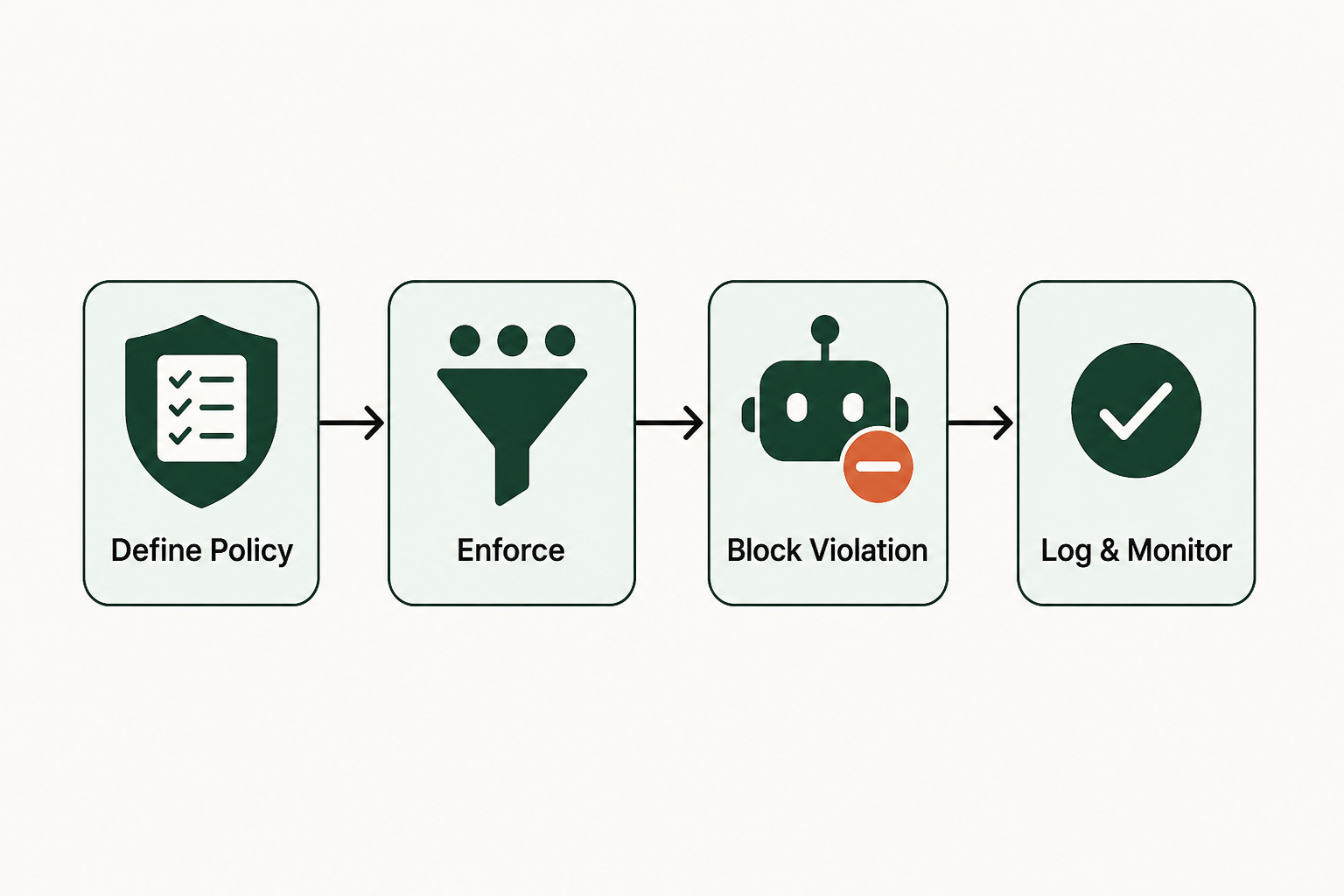
That separation keeps terminal automation from becoming a brittle macro or an unrestricted agent session. The system should translate intent into approved steps, validate inputs, manage credentials, capture evidence, and stop when the action falls outside policy. In practice, terminal interactions become part of governed execution, rather than a side door around governance.
Key terms in terminal automation
Before going deeper, it helps to pin down the language. Several terms sound similar, but they carry different control implications in an enterprise environment.
-
Terminal automation is software-driven interaction with a terminal, command-line interface, or green-screen-style system to complete tasks that a human operator would otherwise perform manually.
-
Legacy systems are enterprise applications that remain critical to operations but may lack modern APIs, cloud-native connectors, or easy integration surfaces.
-
No-API systems are systems where the business process exists, but there is no practical programmatic interface for an agent or integration tool to call directly.
-
CLI means command-line interface, a text-based way to issue commands and receive system responses.
-
Execution layer is the controlled path between an agent's intent and the enterprise system's actual state change.
-
Governed execution means actions occur inside approved boundaries, with role controls, logs, review points, and audit evidence.
-
Deterministic workflows are predefined execution paths that behave predictably because the allowed steps, inputs, and stopping conditions are known.
-
Agentic Harness is a controlled operating layer that gives AI agents practical hands across enterprise systems while preserving governance, control, and audit.
The governed execution layer: beyond simple orchestration
With the basic mechanics and terms in place, the hard part is managing these interactions safely. Agent intelligence and enterprise execution are different disciplines. A model may produce a reasonable next step, but a production system needs permission checks, input validation, runtime limits, exception handling, and a record of what changed.
A useful name for that controlled path is Agentic Harness: a governed execution model that connects agents to enterprise systems without giving the agent raw, unrestricted control. It treats the agent's recommendation as an input, then runs the actual work through deterministic workflows, policy checks, and monitored system interactions.
 The governed execution layer: beyond simple orchestration
Many AI pilots stall at exactly this point. The agent can answer a question, summarize a policy, or suggest an action, but it cannot safely complete the task because the needed system is old, customized, or closed. If every connection becomes a custom engineering project, the pilot turns into an integration backlog. If the agent gets broad access, security and process owners have good reasons to block it.
Agent engineering frameworks do useful work: they help teams build agents and manage prompts while coordinating tools and reasoning steps. What they leave unresolved is the governed execution layer between those agents and the enterprise systems that change records. Upware centers on that layer instead, so the agent can remain the brain while governed execution controls how work is performed across sensitive systems.
That distinction is practical, not theoretical. A terminal session can expose production functions that affect money, access, inventory, service commitments, or compliance records. Governed execution narrows what the agent can do and records what happened in a reviewable process. It does not remove every operational risk, but it gives the enterprise a control surface that an open-ended terminal session does not provide.
Key benefits of an Agentic Harness for terminal automation
The business case starts with control, not typing speed. The value is that terminal automation can make AI execution usable inside systems that were never designed for AI, while keeping authority in the operating model rather than in the agent's discretion.
An Agentic Harness gives the enterprise a repeatable way to decide which tasks are safe to automate, which steps must stay fixed, which exceptions need human review, and which logs must be retained. That is the difference between a demo and a process that operations, security, compliance, and application owners can approve.
Enhanced security and auditability
Security improves when the agent does not receive broad, human-like system access. Instead, it works through a controlled path that can limit actions by role, workflow, system, and task type. The enterprise can see what the agent requested, what the execution path allowed, and what system response came back.
That audit trail matters because automation programs succeed through management discipline, not tool enthusiasm alone. McKinsey survey findings on automation adoption found that successful organizations follow common practices, as of 2020, which reinforces a basic operating truth: execution needs structure, ownership, and repeatable controls.
A governed terminal path gives security and compliance teams a clearer review surface:
- Access stays bounded by the specific task and workflow, rather than by a broad terminal login.
- Actions are recorded in a way that supports audit, investigation, and process improvement.
- Exceptions can stop execution before the system state changes outside approved conditions.
- Human review remains available for edge cases, policy conflicts, and high-risk updates.
Deterministic workflows and predictable runtimes
Deterministic workflows are especially important for terminal automation because legacy screens often behave in precise sequences. A single unexpected prompt, missing field, or permission error can change the path. If the workflow is predefined, the automation can detect those conditions and stop cleanly rather than improvising inside a production system.
Upware reports 100% predictability in runtime for its governed approach. That claim is about runtime predictability, not a promise that every business process has zero risk. The narrower point is useful: when execution follows known paths, operators can forecast how a task runs, where it can fail, and what evidence it leaves behind.
For enterprise leaders, predictability is often the approval condition. Application owners do not want an agent experimenting in a terminal. They want a controlled execution path that follows the same approved sequence every time, with documented stops when conditions differ from the expected state. In that model, deterministic workflows give both the agent team and the system owner a shared contract for what execution is allowed to do.
Cost-disciplined operations and resource efficiency
Terminal work is often expensive because the knowledge sits with scarce specialists, support teams, or operators who know the system's exact behavior. If every agent use case needs custom code, middleware, and consultants, the integration work can overwhelm the AI value case.
A governed Agentic Harness changes the economics by standardizing the path from agent intent to system action. Upware reports deployment in days, 0 engineering resources, and up to 80% lower token costs. Those figures should be read in scope: they describe the platform's reported operating metrics, not a universal guarantee for every environment or process.
The larger point is that cost discipline comes from constraining execution. A process that follows approved steps and captures context once can avoid repeated agent reasoning for every small action. The agent does the thinking where judgment is needed. The execution layer does the repeatable work where consistency matters.
Practical use cases: terminal automation in the enterprise
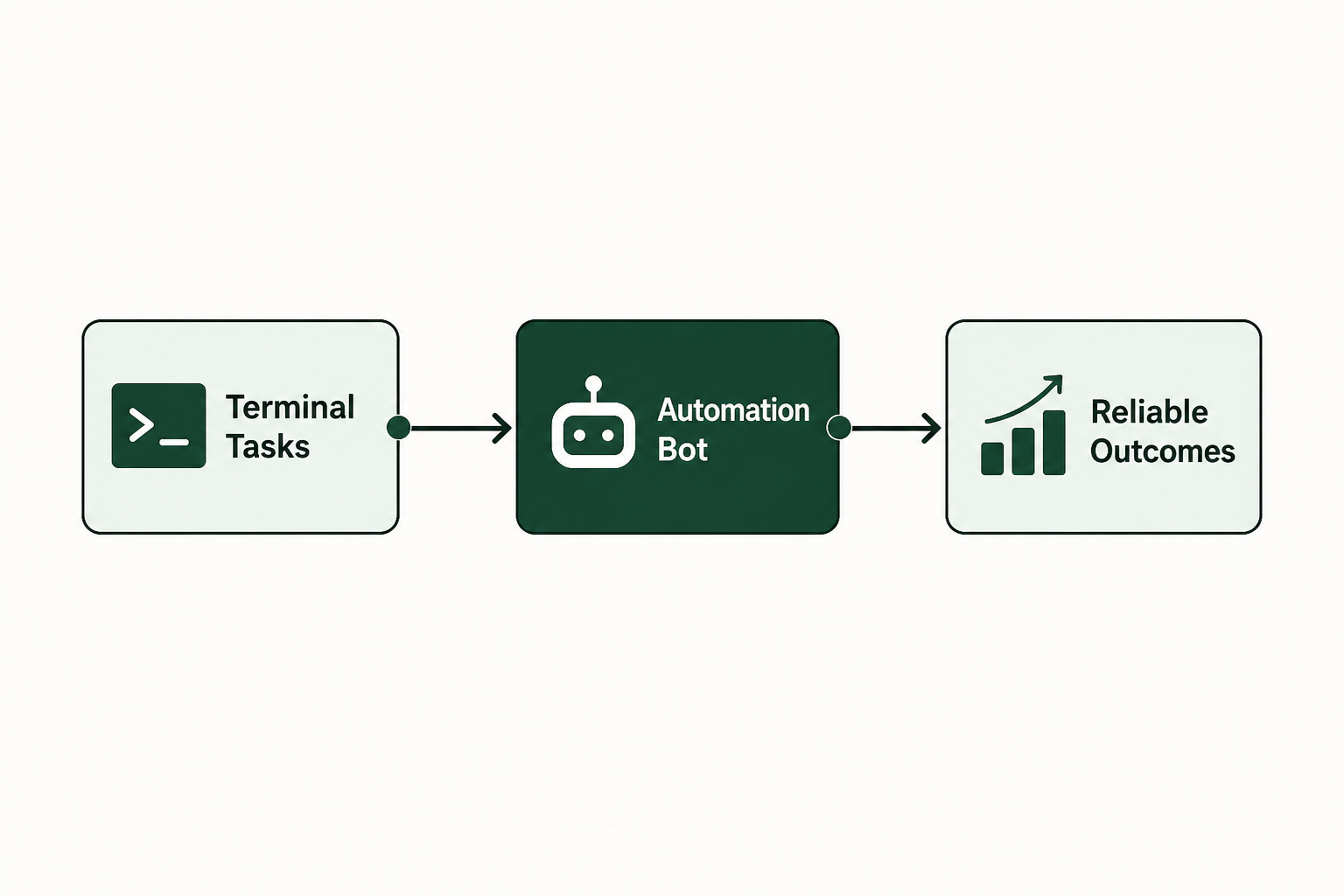
Those benefits matter most where the process is valuable, repeatable, and trapped behind an interface that was never built for agent access. That often includes no-API systems, mainframes, ERPs, and homegrown admin tools that still run core operations.
 Practical use cases: terminal automation in the enterprise
In a legacy ERP environment, an agent might gather the user's request and identify the relevant account or order before determining that a status update is needed. Terminal automation then follows the approved screens and fields to perform that update, with the execution layer enforcing which records can be changed and which conditions require review. For deeper context on this type of estate, see this guide to connecting to legacy AS/400 systems.
In a service operation, an agent might resolve a customer request only after checking multiple systems. One system has customer history, another has entitlement data, and a third contains the transaction record. Terminal access can allow the agent's approved workflow to reach the older system rather than pushing the work back to a human queue.
In a back-office finance or operations process, terminal automation can help with controlled lookups and status checks, along with reconciliations and updates where the steps are known. The fit is strongest when the process has clear rules:
- Good candidates have repeatable steps, stable screens, defined permissions, and clear audit requirements.
- Poor candidates depend on subjective judgment at every step or require broad discretion inside sensitive systems.
- High-risk candidates may still be possible, but only with human approval points and tighter controls.
- Bad candidates are processes no one understands well enough to define, because automation will expose that operational ambiguity.
The operating discipline is simple, but often skipped: do not connect an agent to a terminal because it is technically possible. Connect it when the business process can be described, bounded, governed, and audited. Terminal automation works best when it extends existing system logic rather than pretending those systems no longer matter.
Putting knowledge into practice: your next steps
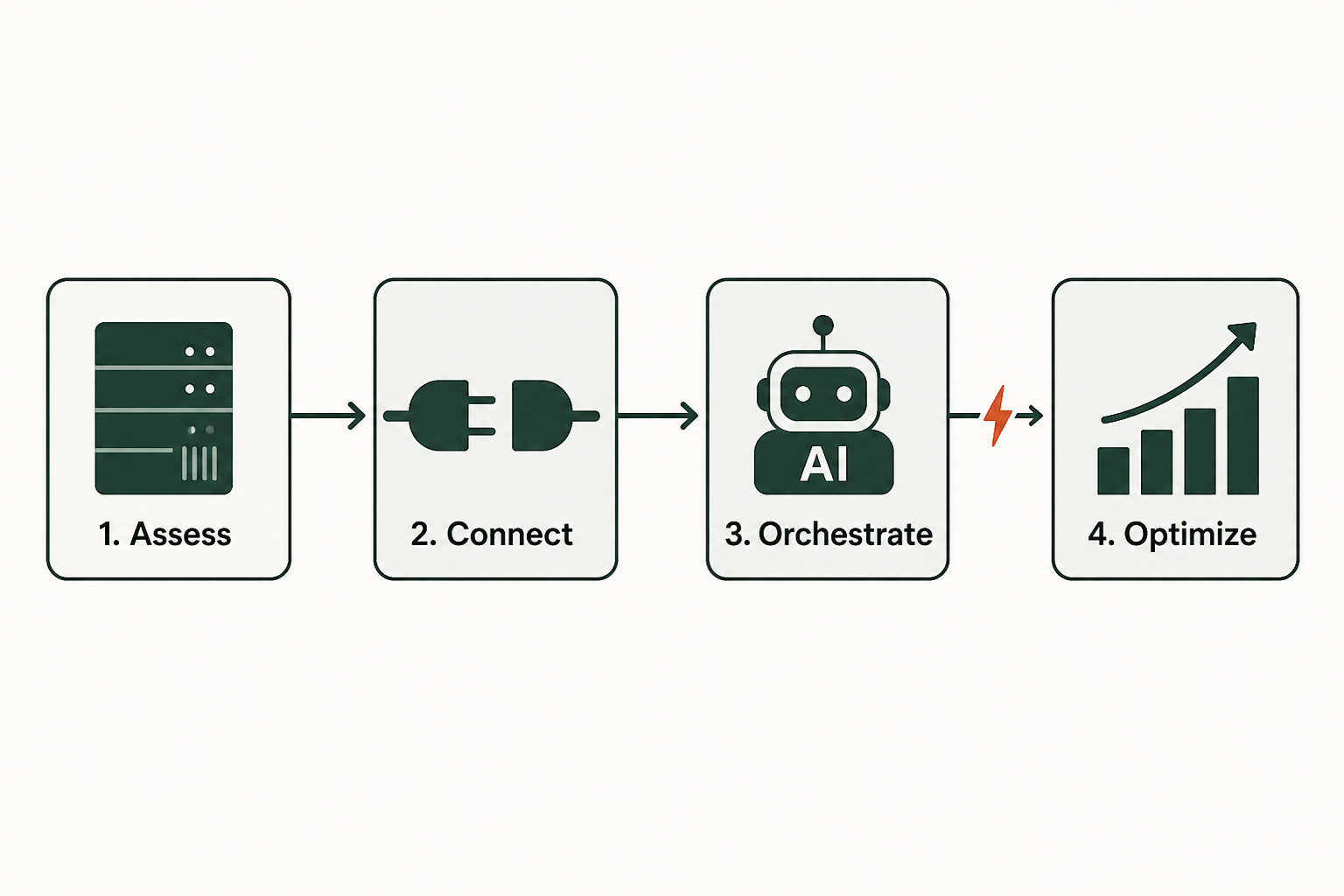
The practical next step is process mapping before technology selection. Identify the systems touched, the terminal paths used, the roles allowed to perform the task, the fields that can change, and the exception points where a human must decide.
Then judge the use case against three criteria: whether the terminal path is stable, whether the workflow can be made deterministic, and whether governed execution can produce the audit record your enterprise needs. If any of those answers are unclear, the answer is not more agent experimentation. It is process clarification.
A practical next move is to review your AI control model, especially where agents move from advice to action. This guide to agentic AI audits explains how to think about reviewability and evidence before agents start changing enterprise systems.
Terminal automation is useful because it respects an awkward enterprise fact: the systems that matter most are often the hardest to integrate. The winning pattern is governed execution through an Agentic Harness that gives agents usable hands without surrendering operational control.
Ready to transform your operations with terminal automation?
Discover our powerful platform in action or connect with our team to discuss tailored solutions for your enterprise.
Frequently asked questions
What is the main benefit of using terminal automation for AI agents?
The main benefit is that an AI agent can act inside legacy systems that do not have modern APIs, while the enterprise keeps control over how that action happens. The agent can interpret the request and choose the business objective, but terminal automation executes through approved steps, permissions, logs, and review points.
How do I get started with connecting an AI agent to my legacy systems?
Start with one bounded workflow rather than a broad system connection. Choose a task with known screens, stable rules, and a clear owner, then define the allowed actions, stopping conditions, and audit requirements. Upware reports deployment in days and 0 engineering resources for its governed approach, but the process still needs clear ownership and approval boundaries.
Is this approach only for large enterprises or specific industries?
The strongest fit is for enterprises with important systems that are difficult to reach through modern integration methods. That often includes regulated or operationally complex environments with legacy systems, homegrown applications, ERPs, mainframes, or no-API systems. Industry label matters less than the need for governed execution across systems that still carry real operational authority.
What are the common mistakes to avoid when automating terminal interactions?
The biggest mistake is giving an agent broad terminal access before the workflow is defined. Other common errors include skipping audit design, ignoring exception handling, automating an unstable screen path, and treating terminal automation as a shortcut around security review. The safer path is to make the workflow deterministic, restrict access to the task, and record what happened. Unlock efficiency. Discover terminal automation now.